
Dealing with GMB Reinstatement Delays – Tips & Workarounds
GMB Reinstatement Taking Too Long?
A sudden GMB Suspension can make your business vanish from Google Maps and local searches overnight. Learn why delays happen, how to fix them, and what to do while you wait without hurting your Local SEO performance.

A sudden GMB Suspension can make your business vanish from Google Maps and local searches overnight. You fix your Google Business Profile (GBP), submit an reinstatement appeal, and then silence. Weeks become days, and you go out of business, disappearing and going without prospects.
If you're facing a GMB Reinstatement Delay, you're not alone. The timelines of Google reviews may go much further than during the couple of days they post about them. This guide explains why delays happen, how to fix them, and what to do while you wait without hurting your Local SEO performance.
Why GMB Reinstatement Delays Happen
Knowing why you are being reinstated later will make you calm and proactive.
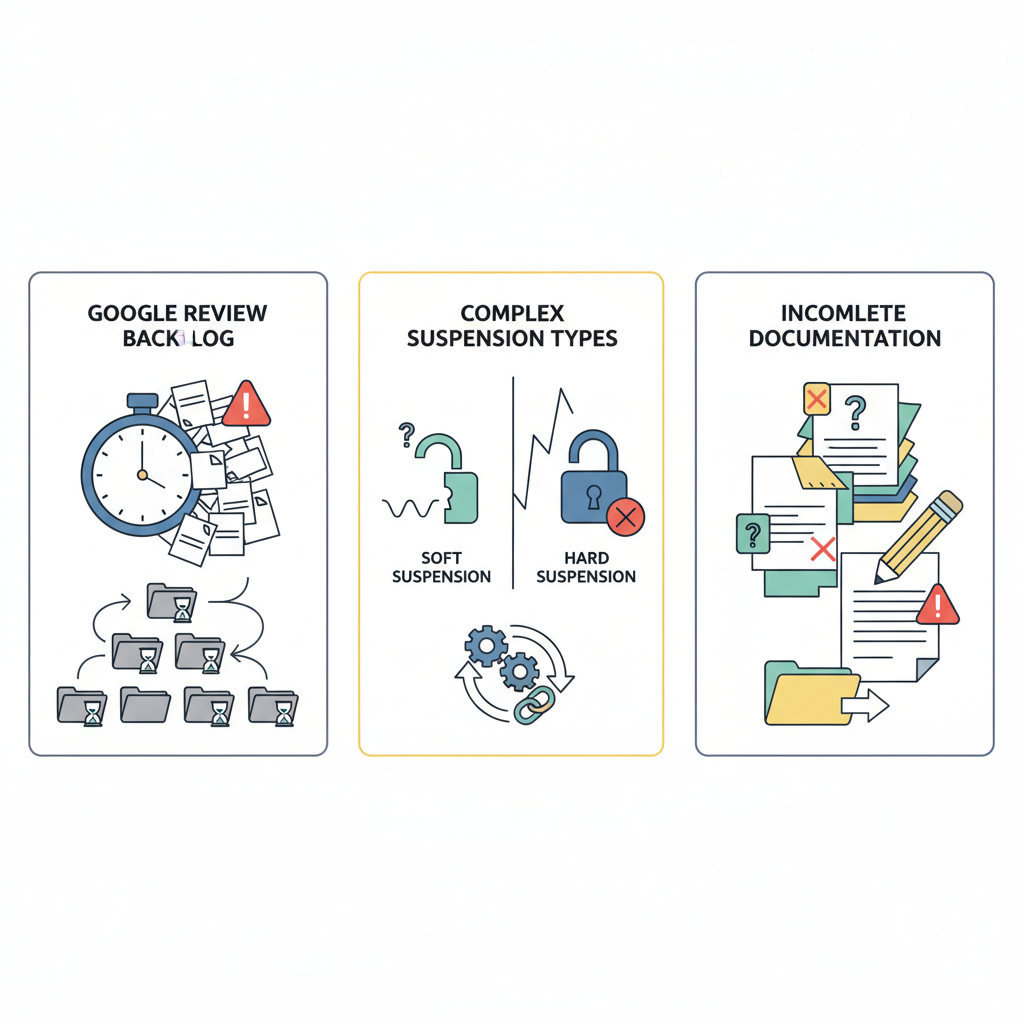
1Google's Review Backlogs
Millions of listings are done through Google. Whereas automation is typical in suspensions, reinstatement reviews are done manually. Following large spam cleans or updates, there is a backlog - causing a 5 days review to become a 3 weeks wait.
2Complexity of Suspension
All suspensions are not created equal.
Soft suspensions (like verification issues) are usually resolved faster.
Hard suspensions (involving keyword stuffing, fake addresses, or duplicates) require manual checks, leading to longer GMB Reinstatement Delays.
3Incomplete Documentation
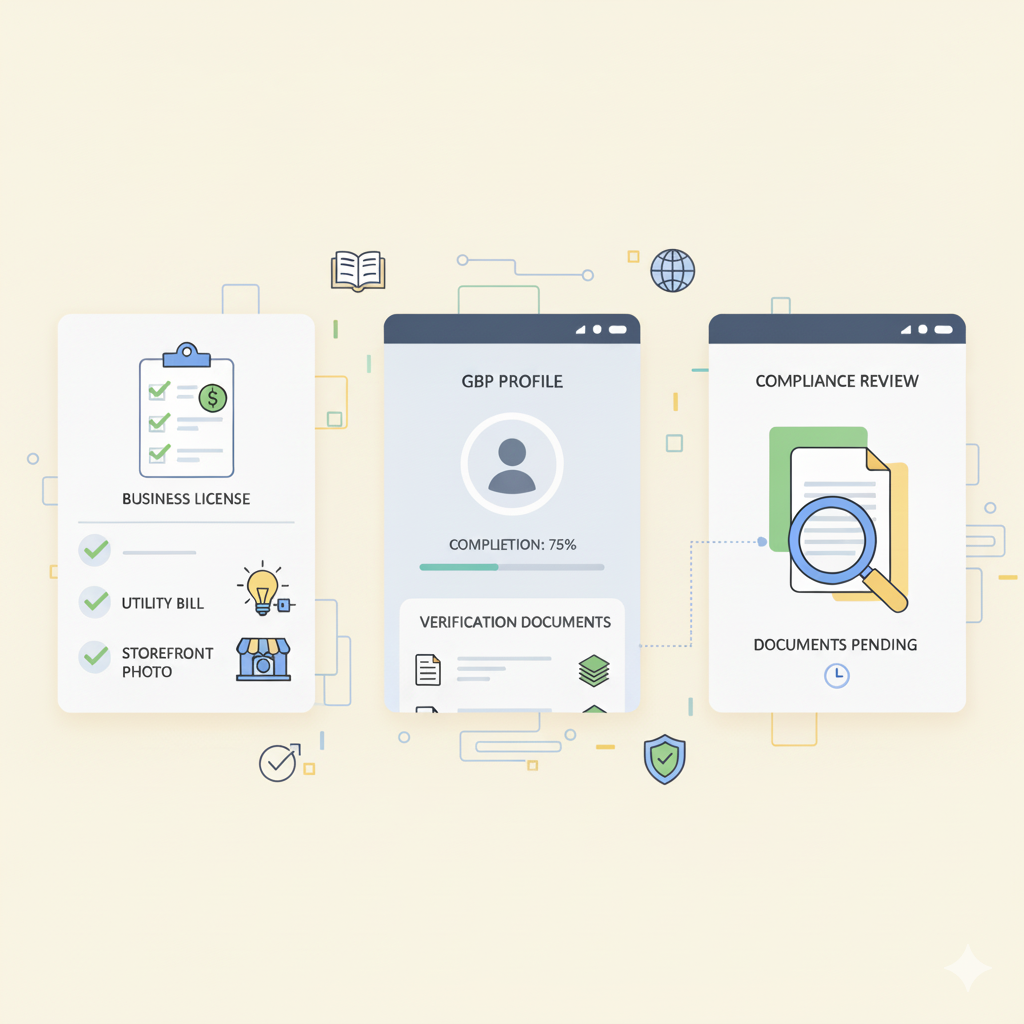
The delay is most likely to be caused by misaligned or ambiguous evidence. If your business license, utility bill, or signage photo doesn't perfectly match your Google Business Profile details, your appeal may be deprioritized or rejected.
Note: The documents that you provide should always correspond to your registered business name, address and phone number.
Step 1: Fix the Root Cause Before Re-Appealing
It may become even worse when several appeals are submitted. Duplicate tickets are puzzling to the system and take more time to respond. Instead, use this time to ensure your Google Business Profile is 100% compliant.
Conduct a Quick GBP Audit
Business Name:
Do not use keywords, match your registered name.
Address:
This is optional and is only provided when the business is a service one.
Categories:
Select the most precise and specific one.
Gather Proof of Legitimacy
Have these documents ready:
| Document | Purpose |
|---|---|
| Business License | Approves legal identity |
| Utility Bill | Checks GBP against address |
| Storefront Photo | Proves physical location |
Step 2: Smart Workarounds for GMB Reinstatement Delays
When you have been waiting a fortnight and have not yet heard anything, follow these professional suggestions.
Use Your Case ID
Upon filling out your reinstatement request, Google sends you an email listing a Case ID (e.g. [1-XXXXXX]). The same thread should always be used to follow up.
Respond in a polite manner inquiring about progress.
Additional evidence should be attached when possible.
Do not open a fresh ticket, it puts you at the bottom of the queue again.
Escalate via Google Business Profile Community
If you still don't receive a response after 3-4 business days, post in the Google Business Profile Community Forum. Name your CaseID and waiting period.
Google Product Experts helps internal escalation of valid cases within Google, and can speed up the process.
Step 3: Maintain Local SEO Visibility During Delays
While your Google Business Profile is suspended, focus on strengthening your other digital channels to sustain leads and trust.

Optimize Local Directories
Make sure that NAP (Name, Address, Phone) information is the same on Yelp, Bing Places, Justdial, and Facebook. It boosts credibility and supports Local SEO ranking.
Enhance Website SEO
Add local keywords, frequently asked questions, and blogs to your site that target customer intent. High-quality content will keep your organic traffic going despite your GMB posting being down.
Stay Active on Social Media
Keep up with updates on social networks such as Facebook and Instagram to keep advertising to the customers.
Final Thoughts: Patience Pays Off
A GMB Reinstatement Delay is frustrating, but the solution lies in preparation and patience.
Fix every policy violation before re-appealing.
You have an opportunity to use one channel of communication: your Case ID thread.
Invest in Local SEO to sustain visibility while you wait.
With accurate documentation, clear communication, and proactive Local SEO efforts, your business can overcome a GMB Suspension and return stronger than before fully compliant and ready to dominate local search results.