
What to Do If Your GMB Reinstatement Request Gets Denied
GMB Reinstatement Denied? Don't Panic
A denied reinstatement request doesn't mean the end. Learn the exact steps to fix issues and successfully restore your Google Business Profile.

Introduction
Imagine waking up one morning and finding out that your Google Business Profile has been suspended. In a single night your company is gone off Google Maps and in the local searches. The number of calls reduces, new leads cease to come and visibility plummets. Many local businesses see this as a loss of their main source of livelihood to the customers.
The natural reaction is to file a GMB reinstatement request. However, such a request can occasionally be denied, and business owners are left in a puddle of frustration and confusion. Do not get panicky; however, in case this has occurred to you then you can easily address the matter. It will take you through the reasons why a reinstatement may fail and what to do to correct the problems and increase your chances of success.
1. Why Does a GMB Reinstatement Get Denied?
When Google denies your Google Business Profile reinstatement, it's usually because your listing still doesn't meet their guidelines. Regrettably, such an email reply is seldom done with very much explanation by Google. It is therefore imperative that you do your own detective work.
These are some of the typical causes of denial:
Locating at a PO Box, virtual office, or shared office as opposed to a physical, brick-and-mortar location.
Making numerous entries to the same business to overrun search results.
Violating Google Business Profile policies by stuffing keywords in your business name.
When your profile has a fake or suspicious review.
Using a spammy number of edits.
If any of the above apply, Google considers your profile unreliable, leading to GMB suspension and denial of reinstatement.
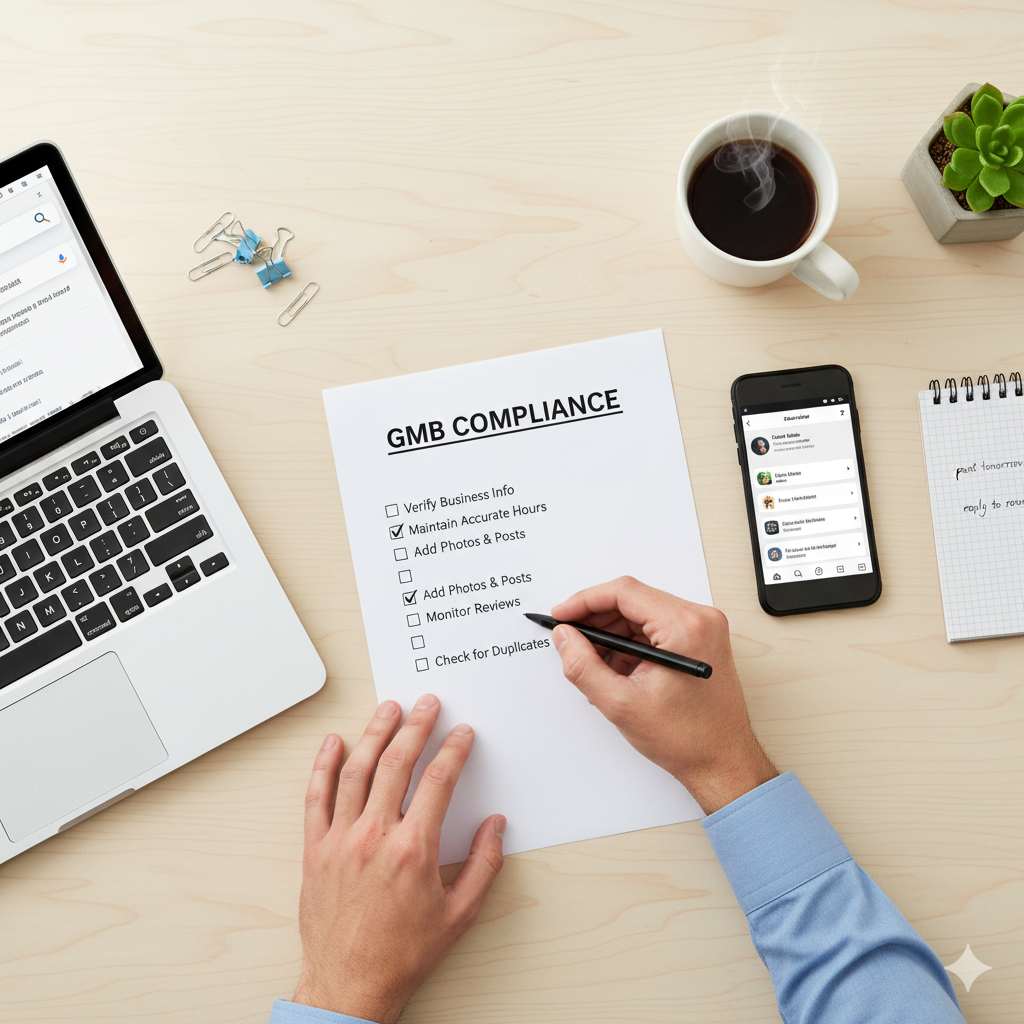
2. Review Google's Guidelines Thoroughly
The first step after a denial is to revisit the official Google Business Profile guidelines. Most owners believe their profile to be compliant and a few little errors can result in troubles, such as a service area business that has not been appropriately verified.
By aligning your profile with Google's rules, you're already one step closer to avoiding rejection in your next GMB reinstatement attempt.
3. Fix All Inconsistencies Before Reapplying
The one thing Google cherishes is consistency. In order to increase your odds:
Ensure that the name, address and phone number (NAP) of your business are the same throughout your business site, your social pages, and local directories.
Either delete multi-profiles in case you have multiple profiles. Multiple profiles are one of the fastest ways to get a GMB suspension.
Let your web page be updated and associated with the right information and connected to your GBP.
Ensure that you use the right and not confusing categories of your business.
Note: Google fears that they cannot trust your business when there is an inconsistency in any area.

4. Collect Strong Proof of Business
If your first Google Business Profile reinstatement was denied, it's time to go above and beyond with evidence. Google wants proof that your business is real, legitimate, and operational.
Recommended Documents and Assets:
- • Utility bills with your business name and address
- • Lease or rental agreements
- • Government-issued business licenses
- • Photos of your storefront with permanent signage
- • Interior photos showing a working office or shop where customers are served
- • A functioning website with matching details
The more evidence you provide, the stronger your case for GMB reinstatement becomes.
5. File a Strong Fresh Request
After you manage to establish the flaws and collect the documents, it is finally time to resend a new request.
Steps:
Go to the official Google Business Profile reinstatement form.
Be specific in filling in the information and that all the details be in line with your business documents.
Include photographs, permits and invoices depicting your business as something real.
Briefly describe (but clearly), what kinds of changes you made since the previous denial.
This demonstrates to Google that you have acted proactively to solve the problem rather than repost the same/bad data.

6. What If You Get Denied Again?
Even in the case when your second entry is rejected, do not despair. You are not quite lost:
Visit the Google Business Profile Help Community
A lot of entrepreneurs obtain useful tips provided by product professionals and high-level contributors.
Contact Google Support Directly
Use contact Google Support directly by email or chat using your GBP dashboard.
Hire a Professional
If you're stuck, hire a professional local SEO specialist who has experience handling GMB suspensions and reinstatement cases.
There are also cases when a professional can discover some problems that might not be noticeable as the owner of a business.
7. How to Avoid GMB Suspension in the Future
Reinstatement is half way there. The real goal is to avoid GMB suspension again. Here's how:
An instance: "Johns Plumbing" will not turn to "Johns Plumbing Best Emergency Plumber in New York."
It is always advisable to make a few changes to your profile at each time so as to avoid changing vital information such as name, or even category.
Make your NAP information the same across the board.
Keep soliciting real customer reviews - not fake ones under any circumstances.
Keep abreast of the dynamic policies of Google.
By following these steps, you'll build long-term stability for your Google Business Profile.
Conclusion
Having your GMB reinstatement request denied is frustrating, but it's not the end of the road. It is just an indication that there are still problems with your profile which have to be corrected.
Spend time revisiting the rules, eradicating discrepancies, showing good evidence and re-submitting with certainty. When in need, you should find community, or professional help to help you get through difficult cases. And most importantly, once reinstated, focus on maintaining compliance to avoid GMB suspension in the future.
With persistence and the right approach, your Google Business Profile can regain visibility, restore trust, and continue driving local customers to your business.