
Sample Appeal Template to Recover a Suspended Google Business Profile
Ready-to-Use Appeal Template Inside
Get a professional Google Business Profile appeal template and learn the exact steps to recover your suspended account successfully.

Introduction
Facing a Google Business Profile suspension can feel like your business has suddenly vanished from the map. Customers can no longer consult you on Google Search or Maps; they can lose calls, and trust can be broken. Fortunately, Google allows business owners to file a GMB suspension appeal and request Google Business Profile reinstatement.
In this guide, we'll explain why suspensions happen, how to prepare for reinstatement, and provide you with a Google Business Profile appeal template that you can customize for your business.
Common Reasons for Google Business Profile Suspension
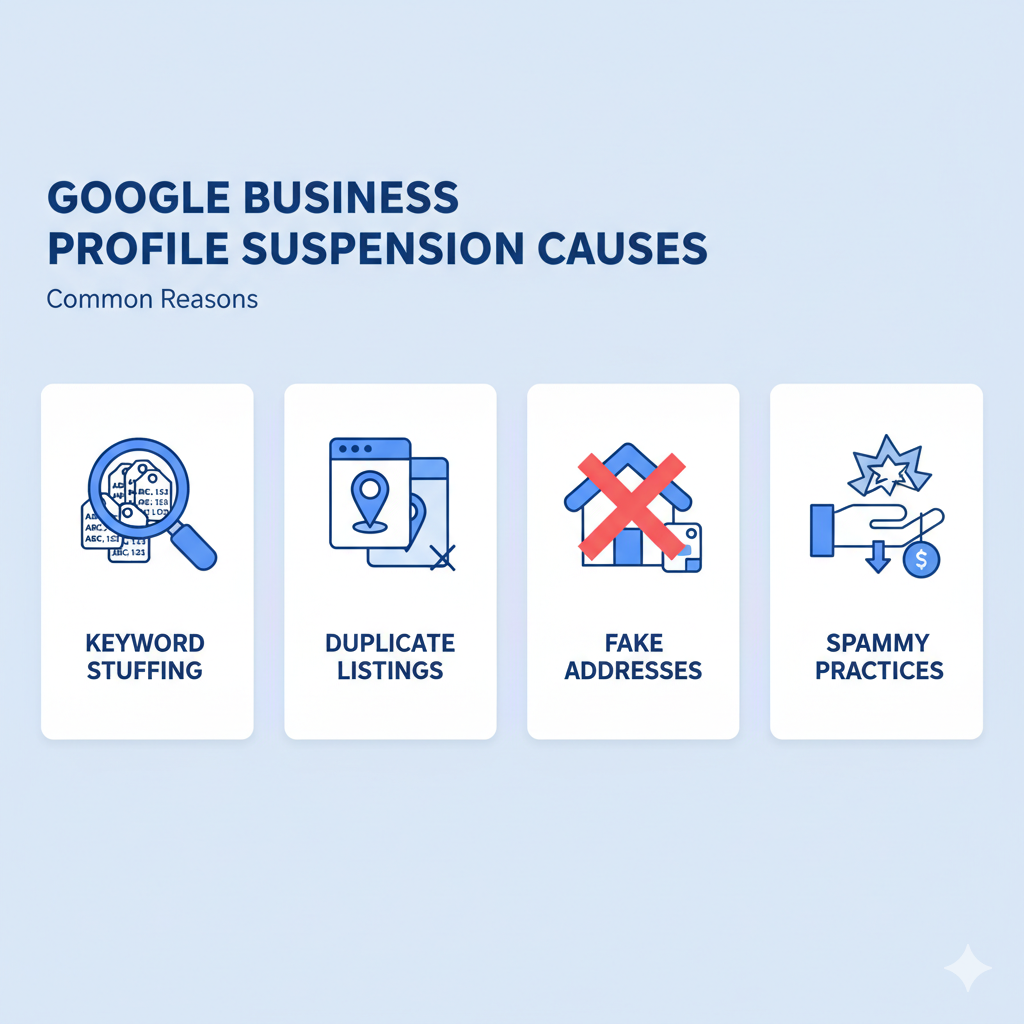
It is important to know why Google Business Profiles are suspended before trying to restore a suspended profile. These are some of the most widespread causes:
Policy abuse, like keyword stuffing of your company name.
Like businesses or locations: multiple profiles on one entity.
Poorly updated information, or incomplete and misleading information, such as bad addresses.
Spam practices or suspiciousness.
Understanding these issues will help your GMB suspension appeal carry more weight. Before filing an appeal, run a free GMB audit to identify any compliance issues with your profile.
Steps to Take Before Filing an Appeal
When you file an appeal unprepared, it is likely to be rejected. To improve your chances of Google Business Profile reinstatement:
Review Google Business Profile guidelines thoroughly.
Fix incorrect information in your profile (cities, name, or disciplines).
Collect documents, e.g., utility bills, licenses, or lease agreements that support legitimacy.
Taking these steps makes your Google Business Profile appeal template more convincing.
How to File an Appeal for Reinstatement

After you are sure your profile adheres to the rules, you can restore your Google Business Profile in these steps:
Visit the official Google Business Profile reinstatement form.
Enter the correct business information.
Upload evidence, e.g., licenses, bills, or photos in front of stores.
The more accurate and open you are, the greater opportunities you have to restore a Google Business Profile account suspension.
Sample Appeal Template
Below is a Google Business Profile appeal template you can adapt:
Subject: Request for Google Business Profile Reinstatement
Hello Google Business Profile Support Team,
My name is [Your Full Name], and I manage the profile for [Business Name], located at [Business Address]. Our profile was recently suspended, and I would like to request reinstatement.
After carefully reviewing the Google Business Profile guidelines, I have taken corrective actions to ensure full compliance, including:
- [Action you took, e.g., updated business name to match legal documents]
- [Action you took, e.g., corrected categories]
- [Action you took, e.g., uploaded storefront photos for verification]
Attached are supporting documents verifying the legitimacy of our business.
We respectfully request that you review our case and reinstate our Google Business Profile so customers can continue to find and connect with us.
Thank you for your time and assistance.
Sincerely,
[Your Full Name]
[Business Name]
[Contact Email / Phone]
Tips for a Strong Appeal
Keep your GMB suspension appeal professional and clear.
Avoid emotional language or blaming Google.
Use only verified, accurate information.
Attach strong documentation to back your case.
What to Expect After Submitting the Appeal
Timeline:
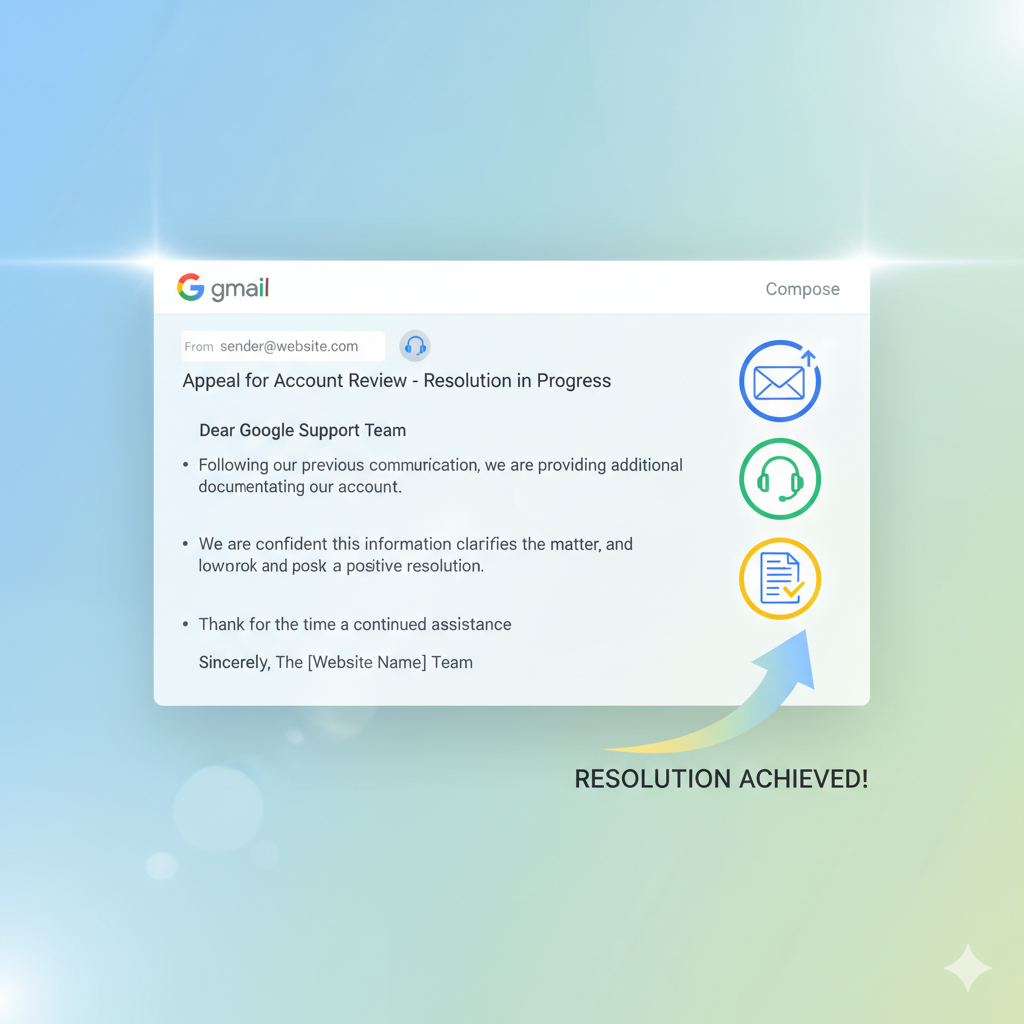
Google may respond within a few days to two weeks.
Possible outcomes:
Reinstatement, rejection, or request for more evidence.
If denied:
Strengthen your documents and resubmit to recover your suspended Google Business Profile.
Conclusion
A Google Business Profile suspension can feel like a major setback, but with the right approach, it's possible to resolve. Using the provided Google Business Profile appeal template, supported by solid documents, increases your chances of Google Business Profile reinstatement.
Stay compliant with Google Business Profile guidelines, keep details accurate, and always act quickly when issues arise. In this manner, your company will be noticed and reliable in Google Search and Maps.
To prevent future suspensions, use our free GMB Audit Tool to regularly check your profile health and catch issues before Google does.