
Why Updating Business Info on GMB Can Sometimes Lead to Suspension
Important: Updates Can Trigger Suspension
Even legitimate changes to your Google Business Profile can sometimes trigger a review or suspension. Learn how to update safely and avoid unnecessary complications.
Introduction
One of the most powerful tools for attracting local customers is your Google Business Profile. It increases where you show in search results and Google Maps so that people can locate you more easily. Keeping your details accurate is essential for credibility, which is why many business owners regularly update business info on GMB.
But sometimes also a suspension may be occasioned by perfectly legitimate changes. This blog explains why that happens, how GMB policy violations are triggered, and the steps you can take to avoid GMB suspension while keeping your listing up to date.
Understanding How GMB Reviews Changes
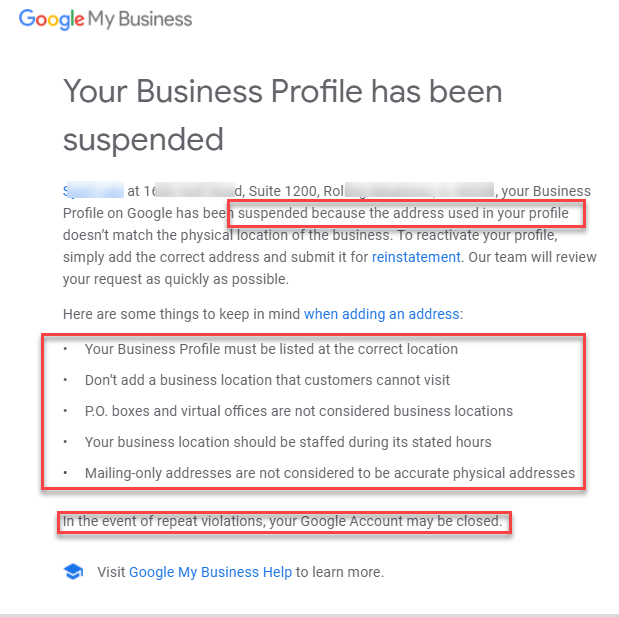
When you update business info on GMB, Google uses both automated systems and manual reviews to verify accuracy and compliance. The Google Business Profile algorithm looks for suspicious updates that may indicate spam or misrepresentation.
Major modifications - including change of name, address or categories of your business - may evoke a review. Repeated revisions within a short time can also be suspected. Understanding this process helps you reduce the risk of GMB policy violations and avoid GMB suspension.
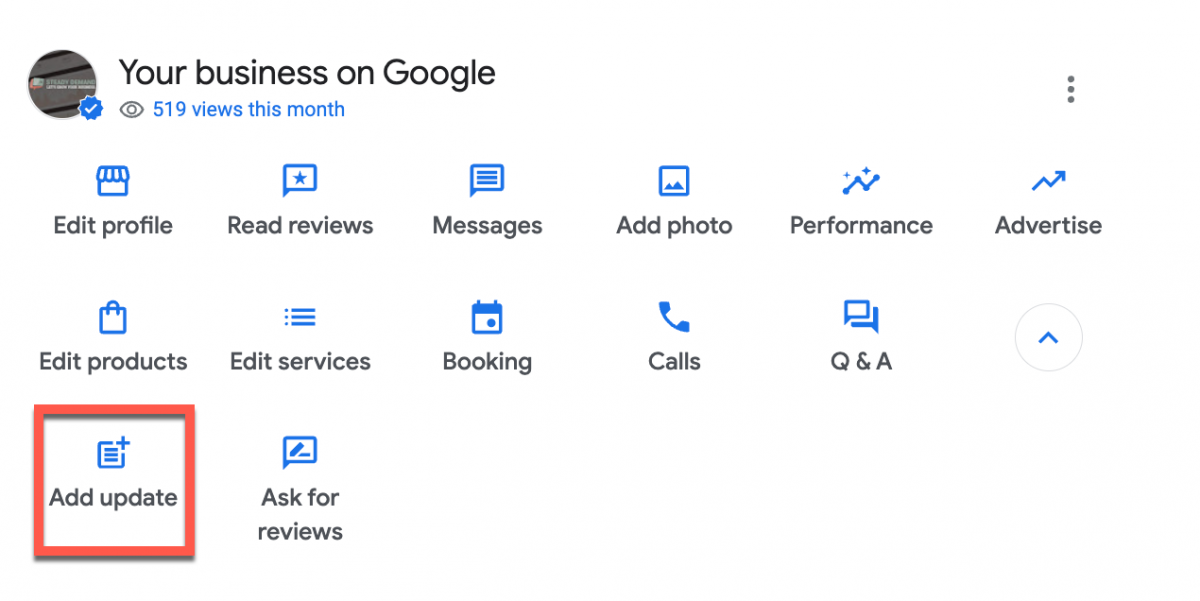
Common Types of Updates That Trigger Suspensions
3.1 Business Name Changes
It can be dangerous to revise your address especially when:
- Move to a virtual place of work, or shared office.
- Choose a place which is not on the Google Street View.
- Display uneven addresses.
Unverifiable or false addresses are serious GMB policy violations that can lead to suspension.
3.2 Address Changes
GMB is risky to update business info involving your address, more so when you:
- Upgrade to a virtual office/co-working space.
- Select a location which cannot be easily traced on Google Street View.
- Be inconsistent between various platforms in terms of addresses.
A huge violation of GMB policy is unverifiable addresses and incorrect addresses.
3.3 Category or Service Area Modifications
Improper changes in GMB categories or Google service area business information may incur suspicion by Google that the listing was not honest. And at that, in case you do not see the connection to these changes to your real services, this might result in GMB suspension.
3.4 Phone Number or Website Changes
Your listing can also be subjected to review due to frequent changes in the contact information or the practice of hyperlinking your site to a site that has nothing to do with the listing. Such actions may count as GMB policy violations.
Why Google Flags These Updates
The primary idea is to protect the users against incorrect or fraudulent listings. Google Business Profile suspensions are not intended as punishment but as a safeguard against misleading information.
The potential of suspension is high in case of frequent and unverified updates. To avoid GMB suspension, ensure all your edits are supported by valid documentation and align with your actual business operations.
How to Update Your GMB Safely
Follow these tips when you update business info on GMB to reduce the risk of suspension:
Check your information and then submit.
Do not instantly change but do it gradually.
Have supporting documents, such as licenses, utility bills or leases at hand.
Do not stuff keywords, just use your official business name.
Stay consistent in all the online listings.
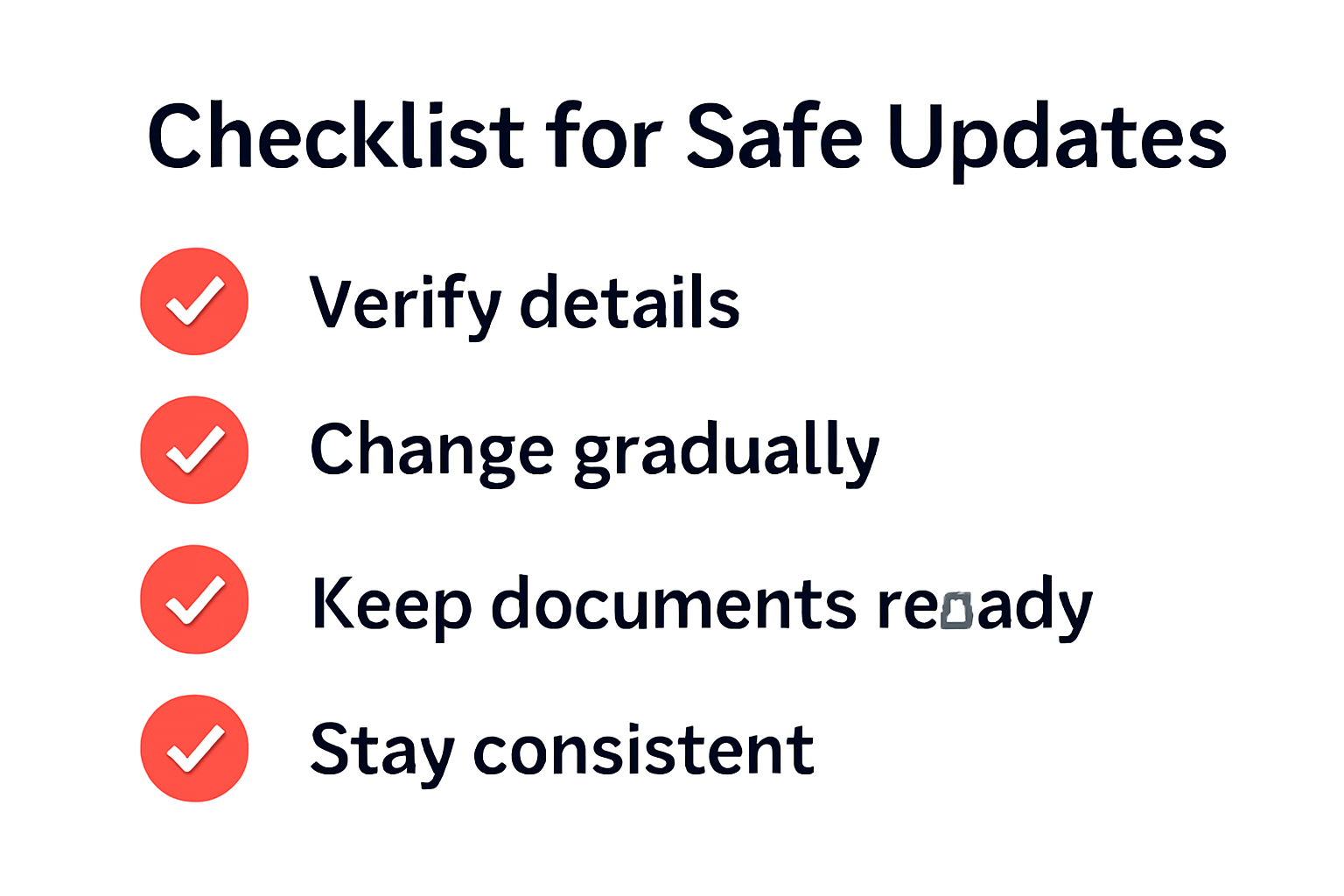
These best practices help you stay compliant, prevent GMB policy violations, and avoid GMB suspension.
What to Do If You Get Suspended After an Update
If your Google Business Profile is suspended after an edit:
See what you have changed last so you can find the reason.
Macnivate registration; get photos, licenses, or leases.
Use the GMB reinstatement process to appeal, providing all necessary proof.
Clearly and proficiently should give reasons on why the update was legitimate.
Consider avoiding risk by avoiding mass edits in the future.
Going through the GMB reinstatement process can restore your listing, but prevention is always easier than recovery.
Conclusion
Ensuring that your Google Business Profile is up-to-date is critical to being accurate, however, there are some which can activate GMB policy breaches resulting in suspension. With the information about the way the reviews of updates work, adherence to safe conduct, and utilization of the GMB reinstatement process when needed, you will be able to maintain an active and reliable profile.
Upgrade, but not too much, and track all updates, and edit slowly not to be faced with the Google My Business suspension but, at the same time, have a high online presence.